৳0.00
৳0.00 
 0
0
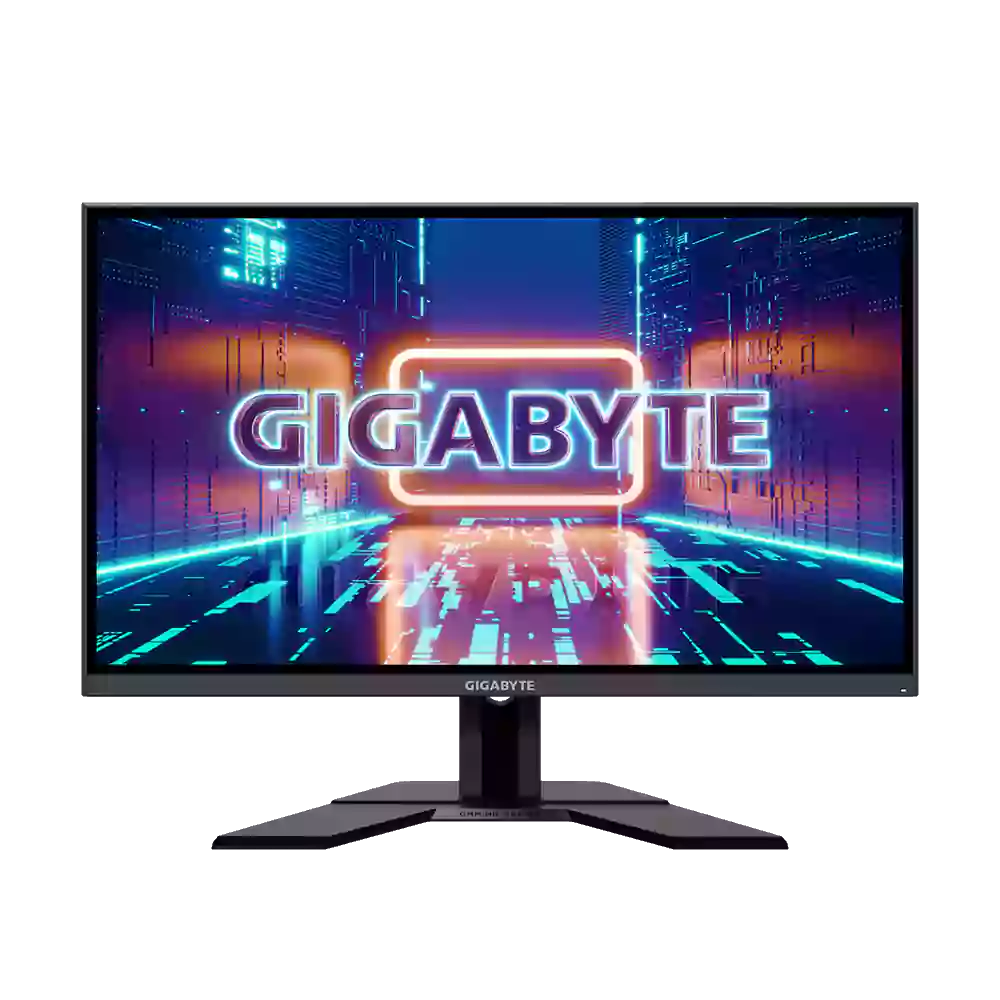
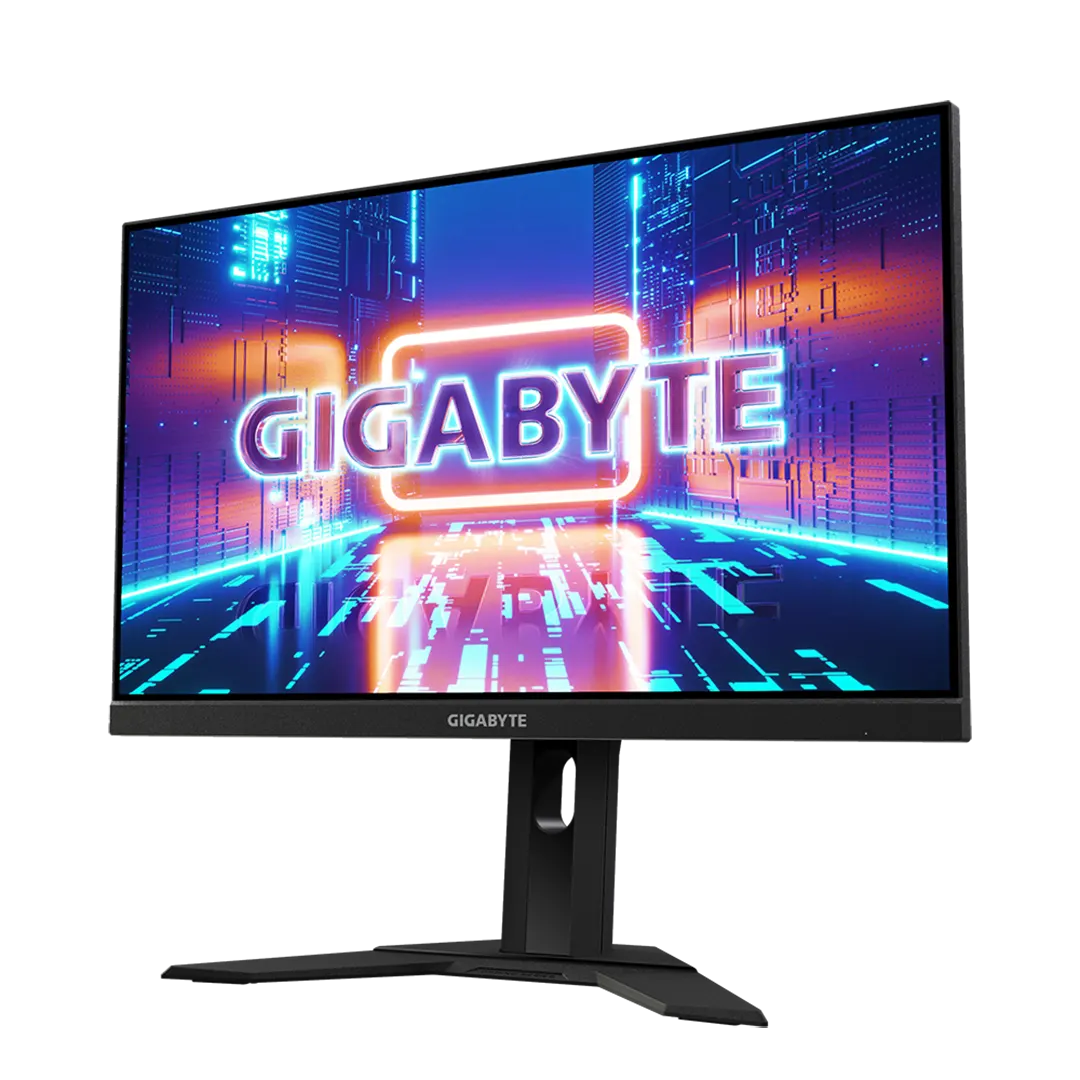
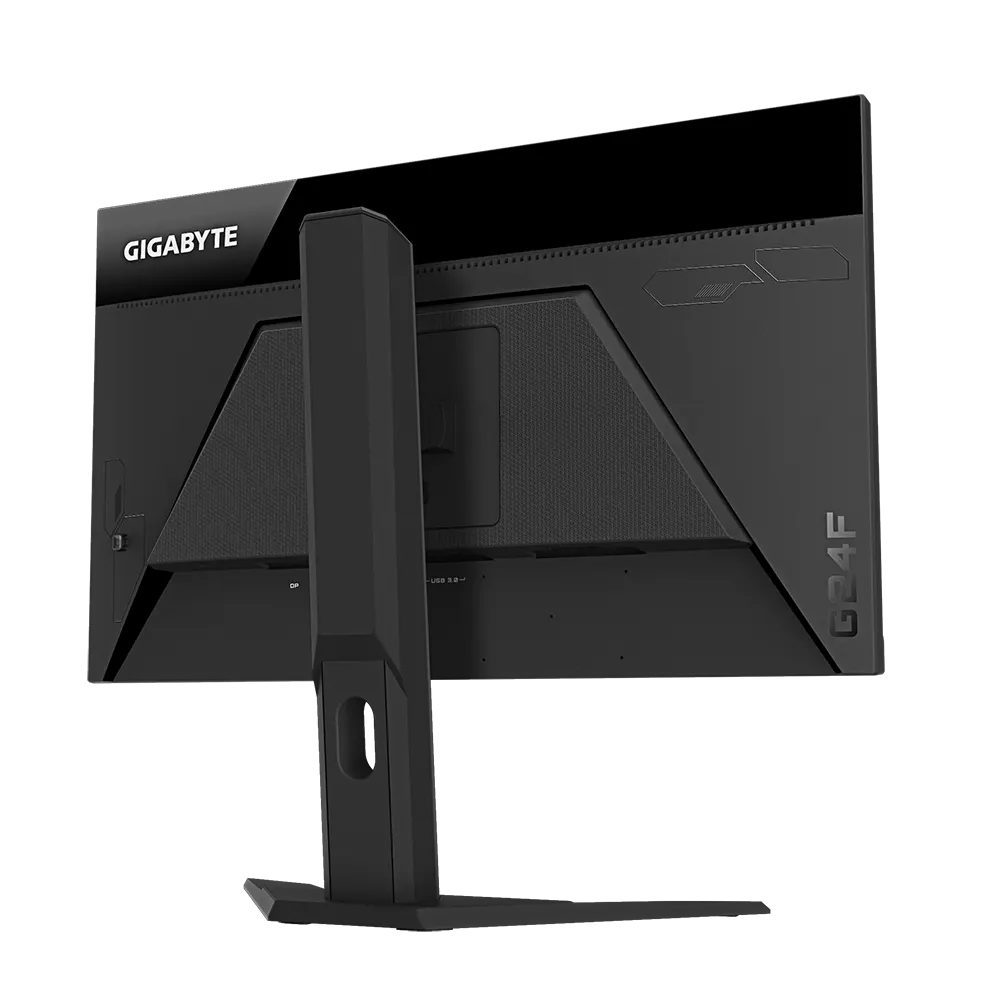
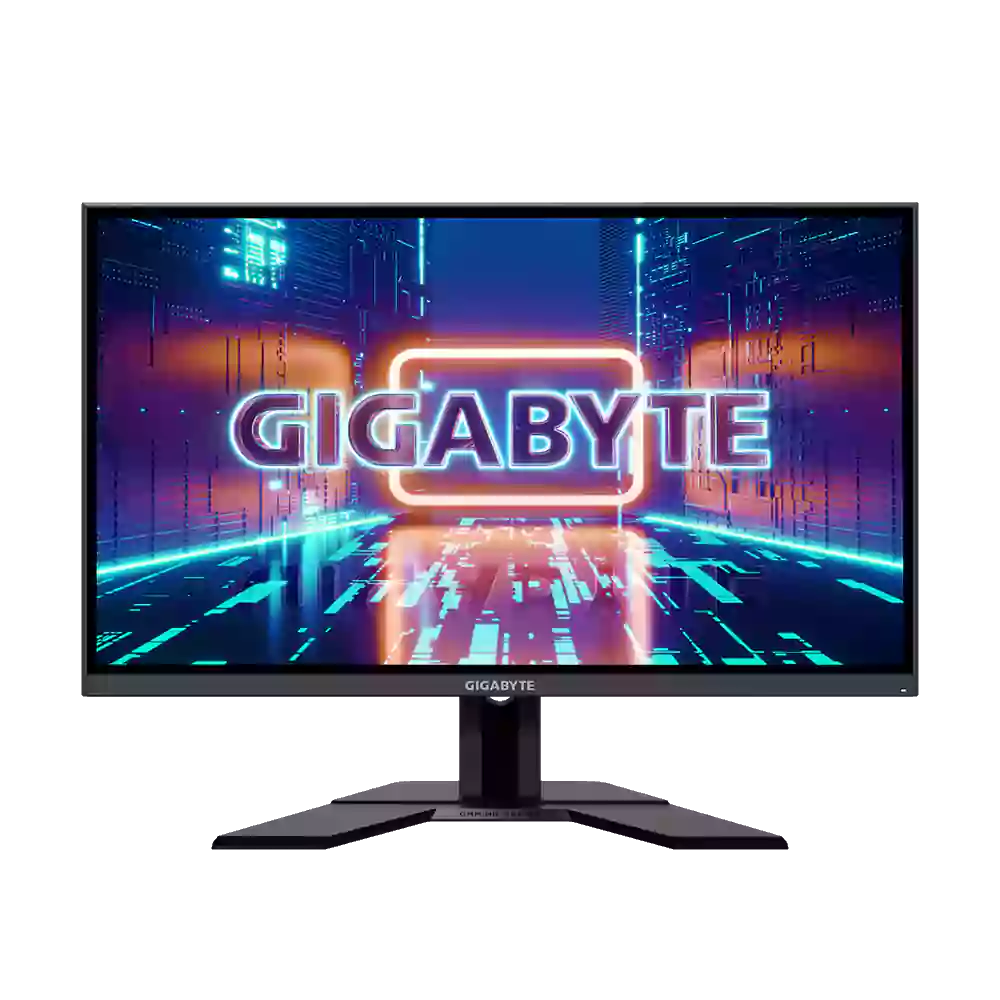
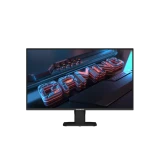
N.B. Image may vary with product
Did you ever wish you had a 3D TV monitor for gaming? Imagine how it will feel to the game in HD on a panel that is designed to provide the best performance. GIGABYTE provides top-of-the-line specifications and quality.
GIGABYTE has an excellent reputation for designing some of the most innovative technologies in the industry. For instance, GIGABYTE has created a Thunderbolt™ Station 2 that allows users to connect their laptops with peripherals and other devices and also charges their laptops while they work. GIGABYTE's monitors offer the ultimate specs and quality. The monitors can be easily customized to fit your needs.
As an unseen player, the monitor is often underestimated. The truth is monitors form a synergistic effect and bring out the best performance of PC components. GIGABYTE gaming monitors offer the ultimate specifications and quality, users can truly enjoy the upscale performance without the need for extravagance.
The first thing that comes to mind when we think about monitors is resolution. We know that higher resolutions mean sharper images and crisper text. However, what many people don't realize is that high-resolution displays aren't always necessary. In fact, some games and applications have been designed specifically for lower resolutions. If you're looking for a great gaming experience, then you should consider purchasing a monitor with a low resolution.
Gamers who want to play at maximum settings may find themselves disappointed if they purchase a monitor with a narrow color gamut. A wide color gamut means that colors look true to their original state. Gamers who prefer to play at lower settings may not notice any difference between monitors with different color gamuts.
Input lag refers to how long it takes a signal to reach the screen after pressing a button. When you press a button on a keyboard, it sends a signal to the monitor. The monitor receives the signal, processes it, and then shows the image on the screen. The longer it takes for the signal to reach the screen, the less responsive the monitor feels.
Response time measures how fast a display reacts to changes in brightness. Fast response times allow gamers to adjust the brightness of their monitor easily. Slow response times make it difficult to change the brightness of the monitor.
Refresh rate refers to the number of times per second that a monitor refreshes its screen. Higher refresh rates provide smoother motion and reduce tearing. Lower refresh rates cause the screen to flicker and produce jagged edges.
Backlighting technology determines whether a monitor uses cold cathode fluorescent lamps (CCFL) or light emitting diodes (LED). CCFLs use hot gases to excite phosphors, while LEDs emit light directly. Both technologies have advantages and disadvantages. LED backlights tend to last longer than CCFLs, but require more power. CCFLs are cheaper than LEDs, but they generate more heat.
Monitor size matters. Larger screens are easier to view from a distance, but smaller ones feel more comfortable to hold. You'll also need to take comfort into consideration when choosing a monitor. Do you plan on using the computer for hours at a time? Or do you only use it occasionally?
The latest price of the GIGABYTE G27F-EK 27 Inch Gaming Monitor in Bangladesh is a Special cash price: ৳ 31,000. You can buy the GIGABYTE G27F-EK 27 Inch Gaming Monitor at the best price from our website or visit any find your nearest Binary Logic showroom. Follow us on Facebook For Regular updates & offers.
| Panel Size (diagonal |
27” IPS |
| Display Viewing Area (HxV) | 597.6 x 336.15 (mm) |
| Panel Backlight/ Type | Edge type |
| Color Saturation | 95% DCI-P3 / 125% sRGB |
| True Resolution | 1920 x 1080 (FHD) |
| Pixel Pitch | 0.31125*0.31125 |
| Brightness | 300 cd/m2 (TYP) |
| Contrast Ratio | 1000:1 |
| Dynamic Contrast Ratio | 12M:1 |
| Viewing Angle | 178°(H)/178°(V) |
| Display Colors | 8 bits |
| Response Time | 1ms (MPRT) |
| Refresh Rate | 144Hz |
| HDR | N/A |
| Flicker-free | Yes |
| Connectivity | HDMI 1.4 x2, Display port 1.2 x1 |
| Earphone Jack | Yes |
| Speaker | 2W x2 |
| USB port(s) | USB 3.0 x2 |
| Power Type | Power adapter |
| AC Input Max | 60W |
| Power Saving Mode | 0.5W |
| Power Off Mode | 0.3W |
| Voltage | 19VDC 3.42A |
| Tilt(angle) | -5°~+20° |
| Height Adjustment (mm) | 130mm |
| VESA Wall Mounting(mm) | 100*100mm |
| Kensington lock | Yes |
| Phys. Dimension with Stand(WxHxD) | 619.04*518.88*202.97 |
| Phys. Dimension w/o stand (WxHxD) | 619.04*365.526*56 |
| Box Dimension (WxHxD) | 737*218*495mm |
| Net Weight (Esti.) | 6.6 |
| Gross Weight (Esti.) | 9.5 |
| Accessories | Power cable/HDMI cable/DP cable/ USB cable/QSG/Warranty card |